August 27, 2026
A breakdown of the lean, AI-native sales stack founders actually need to land their first 100 customers in 2026 — and why one connected CRM replaces the five-tool Frankenstein stack of 2022.
Anablock is a technology and AI systems company helping businesses automate workflows, connect tools, improve lead handling, and build smarter digital growth systems. The Anablock team writes about AI implementation, automation, CRM, lead generation, SEO/AEO, and practical ways businesses can use technology to operate better and grow.
Every CRM comparison article follows the same format: a feature-by-feature checklist, a pricing table, and a vague conclusion that "it depends on your needs." That's not this article.
This is about one specific, structural difference between HubSpot and Anablock CRM — and why it matters more than any line item on a features page: where the AI actually lives.
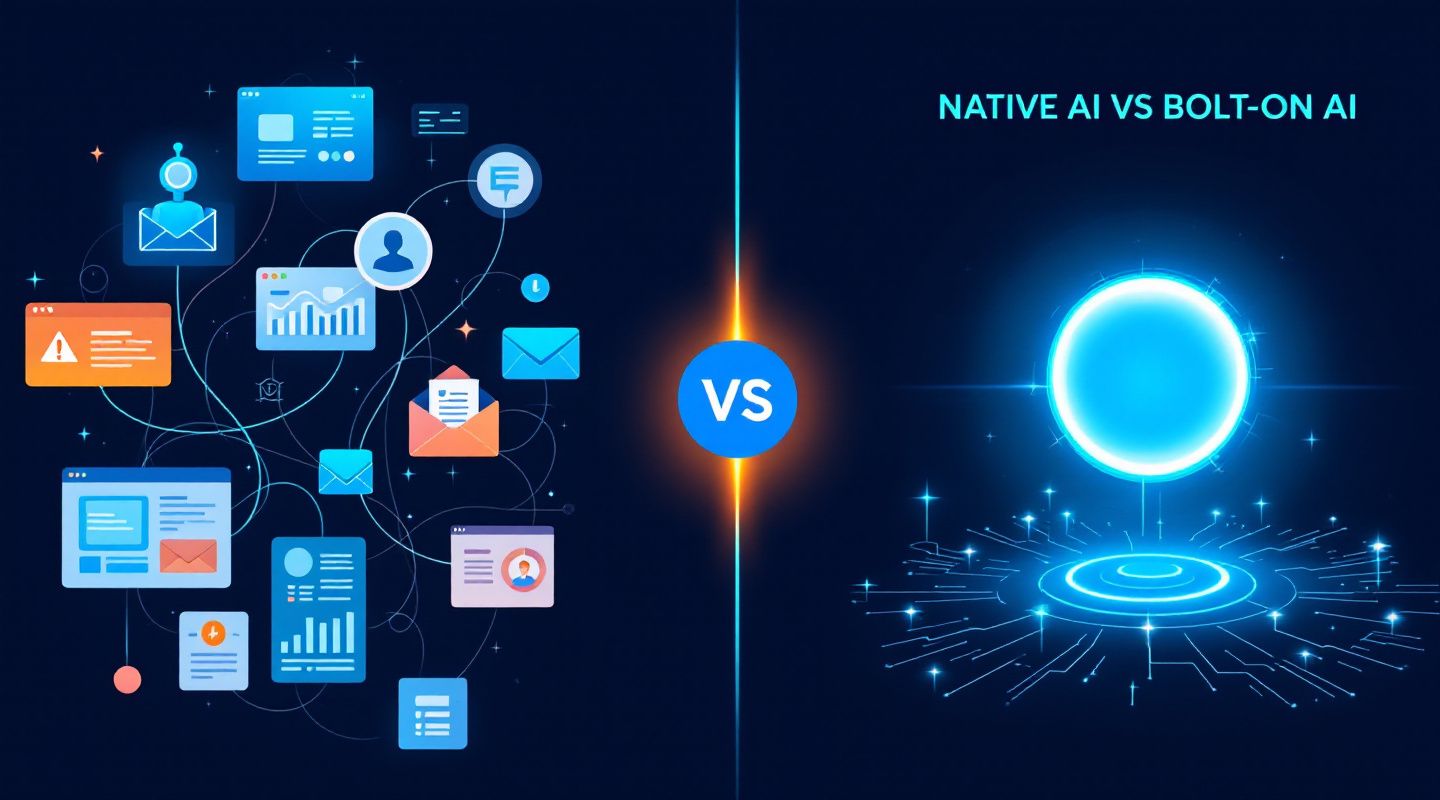
HubSpot built a CRM first, in a pre-AI era, and has spent the last two years retrofitting AI features onto it — a content assistant here, a chatbot builder there, predictive lead scoring bolted on as an add-on. Each feature works. But each one is a separate module, often gated behind its own tier, trained to do one narrow job, and disconnected from the others.
Anablock CRM was built the opposite way: the AI assistant, Ana, isn't a feature inside the CRM — she's the interface to the CRM. There's no separate "AI module" to turn on. The system of record and the intelligence layer are the same layer.
That's not a marketing distinction. It changes what a normal Tuesday actually looks like for the person using it.
In a bolted-on AI setup, using AI inside your CRM means a sequence like this:
Every one of those switches is a place where context gets lost and time leaks out. The AI "helped," technically — it just didn't remove any of the actual friction, because it was never wired into the workflow it was supposed to support.
With Ana built into Anablock CRM, that same sequence collapses into one conversation:
The difference isn't "our AI is smarter." It's that a bolted-on assistant answers questions about your CRM, while a native one actually operates it.
Onboarding a new rep. With a bolted-on AI tool, a new hire learns the CRM, then separately learns the AI writing assistant, then learns how (or whether) the two connect. With Ana, there's one thing to learn: how to ask for what you need. If you can describe the outcome in plain English, you can use the whole system on day one.
Working a stale pipeline. A bolted-on assistant might draft a generic "checking in" email if you ask it to. Ana can pull why a deal went cold from the account history, check if anything's changed (funding, headcount, leadership) since the last touch, and draft outreach that actually references it — because the AI and the account data were never separate systems.
Bulk operations. Updating qualification status across 200 contacts in a bolted-on setup usually means an export, a script, or a support ticket. In Anablock, it's one instruction, with the qualifying detail up front and confirmation before anything changes — because the AI has direct, governed write access to the same database the CRM runs on.
To be fair to HubSpot: it's a mature platform with a massive ecosystem, deep marketing-hub features, and integrations built over more than a decade. If your team is already deep into HubSpot's marketing automation and content tooling, that surface area is real and won't disappear overnight.
What HubSpot's architecture doesn't give you is a single assistant that reasons across your whole pipeline the way a colleague would — because the AI was added to an existing structure rather than designed as the structure itself. That shows up as more tools, more tabs, and more manual reconciliation between "what the AI suggested" and "what actually happened in the CRM."
This distinction matters most for lean teams — founders, small sales teams, agencies — where there's no ops person whose job is stitching tools together. If you have a dedicated RevOps function that already manages a HubSpot + AI-tooling stack, the seams are someone's job to smooth over. If you don't, every seam is a place deals quietly stall.
For a two-person sales team trying to get from zero to their first 100 customers, the fewer tools stitched together with manual glue, the faster things move — and the AI actually operating your pipeline, not just talking about it, is the entire point.
Every CRM will tell you it has AI now. The real question is whether that AI is a feature you occasionally open, or the way you operate the entire system. HubSpot added AI to a CRM. Anablock built a CRM where the AI is how you use it.
Want to see the difference on your own pipeline? Book a call with the Anablock team and we'll show you Ana operating live against real contacts, not a demo script.
Written by

AI Insights & Innovations
Anablock is a technology and AI systems company helping businesses automate workflows, connect tools, improve lead handling, and build smarter digital growth systems. The Anablock team writes about AI implementation, automation, CRM, lead generation, SEO/AEO, and practical ways businesses can use technology to operate better and grow.


If you are ready to move from research to implementation, we can help map the right AI system around your tools, data, team, and goals.