
October 20, 2026
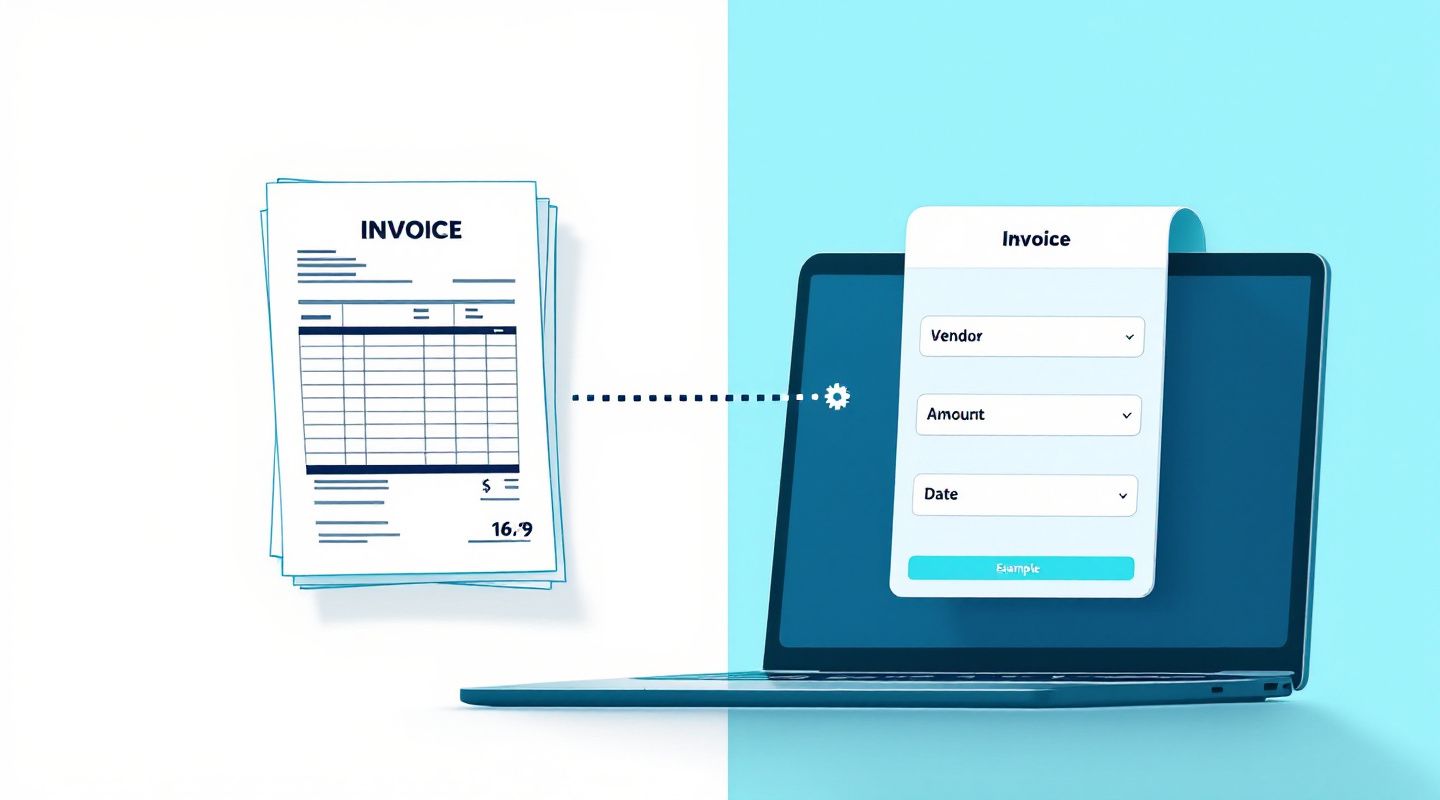
This post explains the real cost of manually retyping invoices and documents, and introduces Anablock Connect, an AI document automation tool that extracts key fields for human review before data moves into your existing systems.

A patient is standing in their kitchen, phone in hand, trying to move tomorrow's cleaning to a later time because something came up at work. They also have a quick question about whether their insurance covers a crown. They text the practice's main number. Nothing happens. The front desk closed at 5:00 PM, and the next person to see that message will be the office manager, tomorrow morning, after several other patients have already called in with similar requests.
This is the exact moment where many dental practices start looking at AI assistants that can answer calls and texts, help with scheduling, and respond to common questions around the clock. The appeal is obvious: patients get a response when they actually have the question, the practice can recover appointments that might otherwise turn into no shows, and the front desk team isn't buried in messages the moment they walk in.
But almost every office manager asks the same first question before going further: Is this safe for patient information? That question deserves a real answer, not a marketing slogan. This post walks through what HIPAA actually requires, what to ask any AI vendor, and what the practice itself needs to do, regardless of which tool it chooses.
Dental practices are drawn to AI assistants for practical, day to day reasons, not novelty. Common use cases include:
To be clear, any numbers you see in vendor pitches (such as "recovers X appointments a month" or "saves Y hours a week") should be treated as illustrative examples unless the vendor can show you how that figure was actually measured for your practice. Don't take projected numbers as guarantees.
HIPAA exists to protect patient information, referred to as protected health information or PHI. This includes things like a patient's name combined with appointment details, treatment information, insurance details, or anything else that could identify a patient and relates to their health or care.
As a dental practice, you are a covered entity under HIPAA. That means you are responsible not just for how your own staff handles PHI, but also for how any vendor you use handles it on your behalf. If an AI assistant is reading patient texts, scheduling appointments, or discussing insurance details, it is very likely touching PHI.
When a vendor handles PHI for you, that vendor is generally considered a business associate, and HIPAA requires a signed Business Associate Agreement (BAA) between your practice and that vendor. A BAA is a contract that outlines how the vendor will protect PHI, what it can and cannot do with it, and what happens if something goes wrong. Without a BAA in place, using a tool that touches PHI can put your practice at risk, regardless of how capable the tool is.
Use this as a working checklist during vendor evaluation:
If a vendor cannot answer these clearly and in writing, that is important information on its own.
Even with a strong vendor, your practice has its own responsibilities:
Good fits for AI assistants include scheduling, reminders, general practice information, and routing calls or messages to the right person. An assistant should hand off to a human for clinical advice, diagnosis questions, billing disputes, or anything that sounds urgent or sensitive. A well designed assistant recognizes its limits and escalates rather than guessing.
Watch for these warning signs:
Here is the honest, important point: no software is HIPAA compliant by itself. Compliance depends on how your practice and your vendor configure the tool, what you agree to in contract, and how it is actually used day to day together.
Anablock builds AI agents and the Anablock CRM, including assistants referred to as Ana and Echo, for dental and healthcare practices. Rather than making blanket compliance claims, the right next step is a conversation about your practice's specific workflows, security requirements, and BAA needs, so you can evaluate the fit with full information.
This article is general educational information, not legal advice. Please consult qualified legal or compliance counsel for guidance specific to your practice.
Can a dental practice use an AI assistant and stay HIPAA compliant? Yes, this is possible when the practice and vendor put the right agreements, configurations, and safeguards in place together. It is not automatic.
Do we need a BAA with an AI vendor? If the assistant touches protected health information, a signed BAA is generally required. Confirm this with your compliance counsel for your specific setup.
Can an AI assistant book appointments without exposing patient data? It depends on how the assistant is configured and what data it accesses. Ask vendors directly what is seen, stored, and shared during scheduling.
Who is responsible if a vendor has a breach? Responsibility can be shared between the practice and the vendor, often outlined in the BAA. This is exactly why the agreement terms matter before you sign.
If you're evaluating an AI assistant for your dental practice and want to walk through your specific requirements, security questions, and BAA needs, we're happy to have that conversation.
Written by

If you are ready to move from research to implementation, we can help map the right AI system around your tools, data, team, and goals.