
October 19, 2026
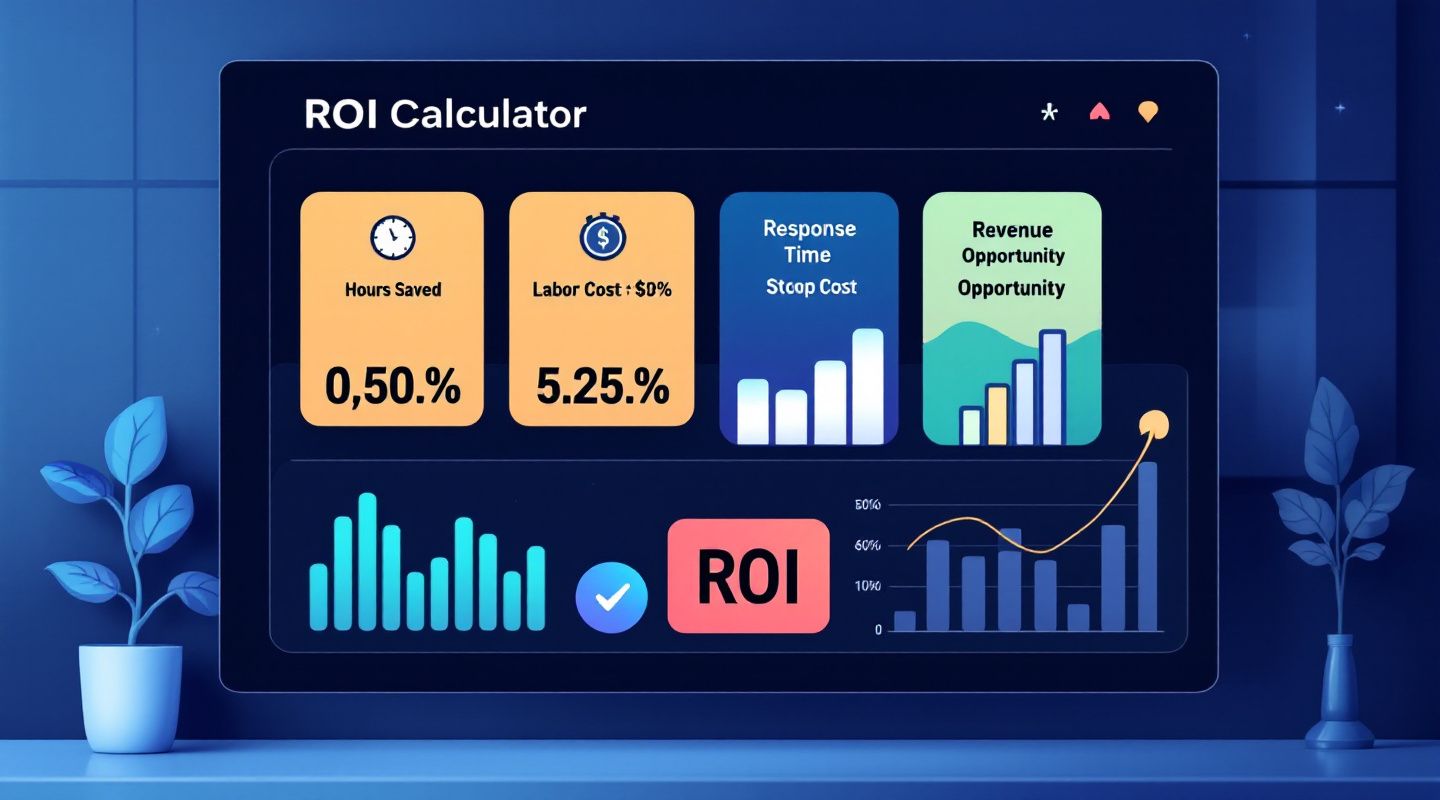
This post gives business leaders a practical, step-by-step framework using four levers, hours saved, labor cost, response time, and revenue opportunity, to calculate the real ROI of an AI agent before buying.
Picture this: it's the last Friday of the month, the coffee has gone cold, and there's a stack of invoices sitting in an inbox folder labeled "To Process." Some are PDFs. A few are photos of receipts someone texted over. One is a scanned form that's slightly crooked. Someone on the team, maybe the office manager, maybe the owner themselves, is copying vendor names, invoice numbers, amounts, and due dates into a spreadsheet or accounting tool, one field at a time. This is the third hour of it today.
If this sounds familiar, you're not alone. Manual data entry is one of those tasks that never shows up on a job description but somehow eats up a huge chunk of the week for finance, admin, and operations staff at small and mid-size businesses.
It's worth being honest about what manual entry actually costs, without pretending to have hard numbers from a study. Here's a simple illustrative example, just to make the point concrete: if it takes roughly 5 minutes to find, read, and manually enter the key fields from one invoice, and a business processes 150 invoices a month, that's around 750 minutes, or roughly 12.5 hours, spent just on typing. That's purely illustrative math, not a universal statistic, but it's the kind of math a lot of operations managers can run against their own stack of paperwork.
Beyond the time itself, there are other costs that are harder to put a number on:
None of this is anyone's fault. It's simply what happens when documents arrive in dozens of formats and a human has to manually translate them into structured data every single time.
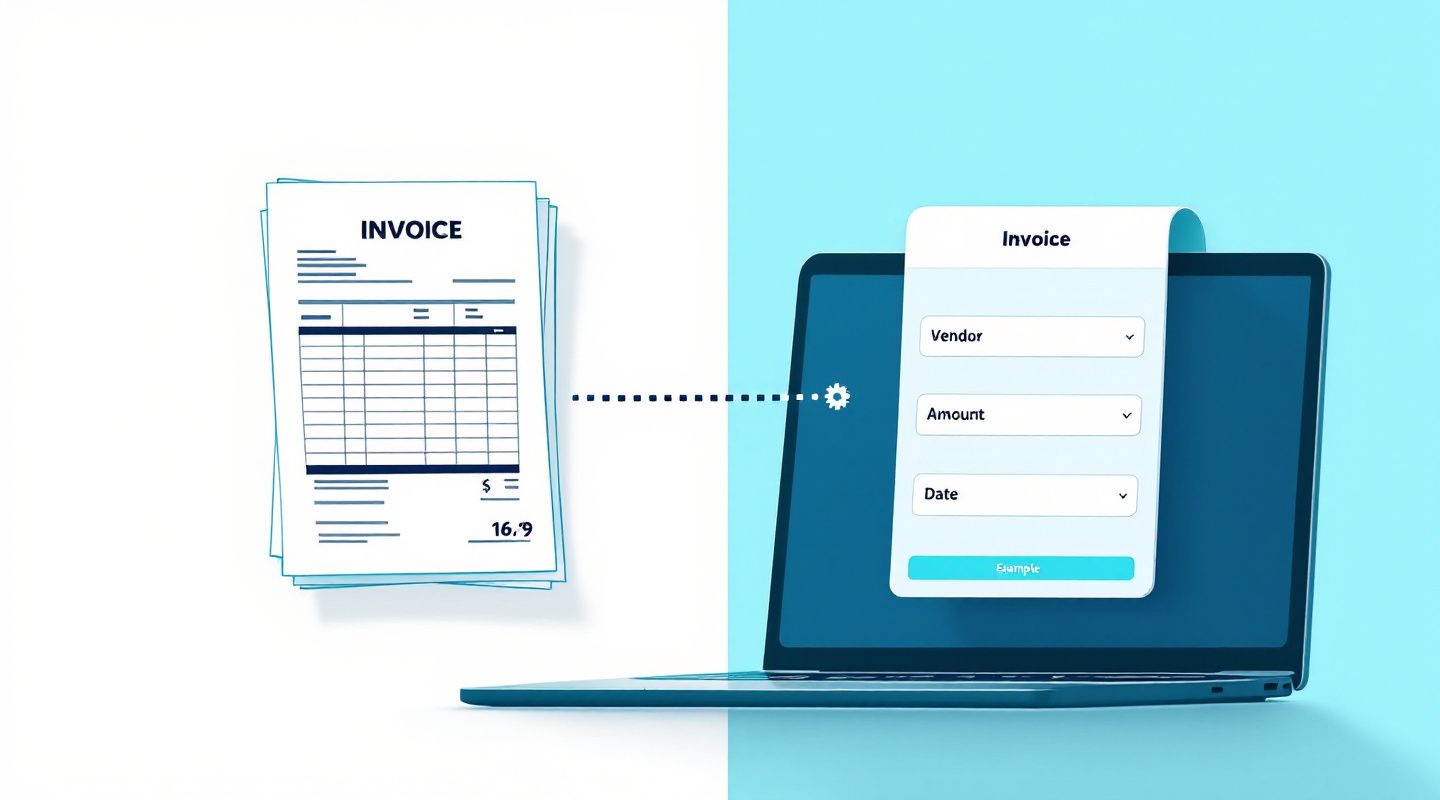
AI document automation software does something fairly simple to describe, even though the technology behind it is sophisticated: it reads a document the way a person would, finds the important fields, and turns them into clean, structured data your systems can actually use. Instead of a person squinting at a scanned invoice to find the total due, the software locates it, reads it, and hands it over in a format ready for review.
Anablock Connect is the AI-powered automation layer from Anablock, built to take on exactly this kind of repetitive document work so your team doesn't have to. When a document arrives, whether it's an email attachment, a manual upload, or a submitted form, Connect reads it and pulls out the fields that matter: vendor name, invoice number, amount, date, due date, and line items. The result is structured data that's ready for a quick human review before it moves into the tools your business already relies on.
That middle step matters just as much as the first and last. Connect is designed to keep a human in the loop, especially for exceptions, unusual documents, or anything that needs a judgment call. The goal isn't to remove people from the process, it's to remove the tedious retyping so people can focus on reviewing and deciding.
Invoices are the obvious starting point, but the same approach applies to other paperwork that piles up:
If you're evaluating options, here's a practical checklist:
Anablock Connect works alongside Anablock CRM, where Ana serves as the AI assistant and Echo handles voice and chat conversations. The idea is that documents, contacts, deals, and conversations can live in one connected environment instead of scattered across separate tools and inboxes. That way, when an invoice or form is processed, it's not an isolated event, it's part of the same system where your contacts, deals, and conversations already live.
Does it work on scanned invoices? It's built to handle scanned and photographed documents, not just clean digital files, though quality and clarity of the scan can affect how smoothly a document is read.
Do I still need to review the data? Yes. Connect is designed to keep a person in the loop, especially for exceptions or anything unusual, so a quick review step is part of the process rather than something to skip.
What happens with a layout it hasn't seen before? New or unusual layouts may need a bit more attention during review at first. The system is designed to handle varied formats, but it's honest to say that unfamiliar layouts are exactly the kind of thing the human review step is there for.
How long does setup take? Setup time depends on your current documents, systems, and workflow. The best way to get a real answer for your business is to walk through your own documents with the Anablock team.
If your team is still spending hours retyping invoices, receipts, and forms every month, it's worth seeing what this could look like with your actual paperwork, not a generic demo.
Book a call with Vuk and bring a few sample documents. We'll walk through how Anablock Connect would read them, what the output looks like, and how it could fit into the systems you already use.
Written by


If you are ready to move from research to implementation, we can help map the right AI system around your tools, data, team, and goals.