
November 6, 2026
Free trial conversion is won or lost in a handful of moments. See how startups use AI agents on day 1, during stalled usage, and on day 12 to move trial users toward real value and a paid plan.
Most businesses do not fail at AI because the technology is weak. They fail because the plan is too big.
Someone reads that an AI agent can answer customers, qualify leads, book appointments and update the CRM. So the team tries to automate everything at once, connects six systems in a hurry, and lets it loose on real customers before anyone has tested it. Two weeks later the project is quietly shelved.
There is a better way to approach it. If you are wondering how to implement AI agents without turning your business upside down, the answer is to make the first step small, safe and measurable. This guide gives you a simple four week AI rollout plan: pick one workflow, connect your data, test with your staff, then go live.
Thirty days is enough. Here is how to use them.
A short timeline does something useful for your team. It forces a narrow scope.
When the goal is "an AI agent that handles everything," nobody knows what done looks like. When the goal is "an AI agent that answers new lead inquiries and books a call," everyone knows exactly what to build, what to test and how to judge the result.
A four week plan also keeps risk low. Each week ends with a clear checkpoint. If something is not working, you find out in days, not quarters, and you fix it before customers ever see it.
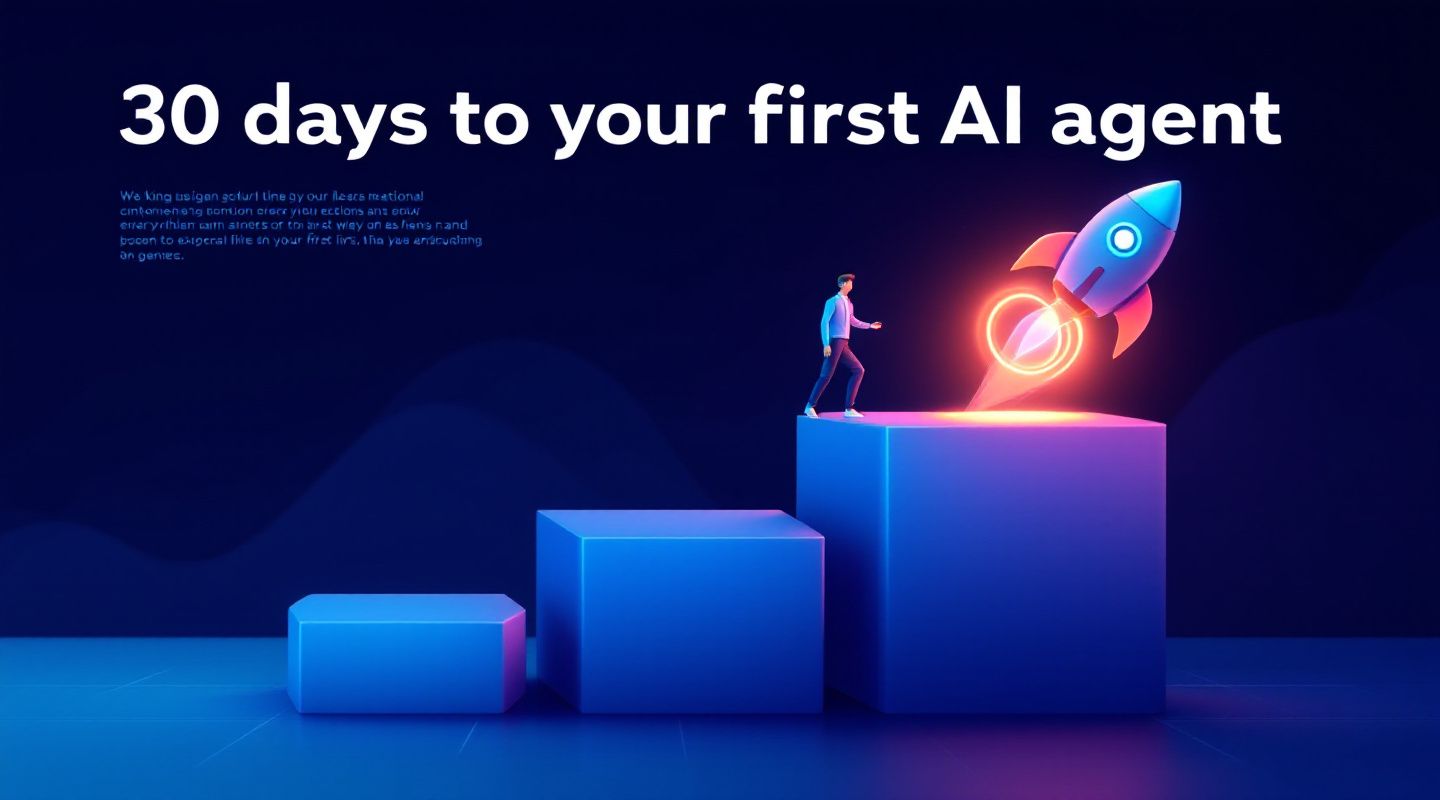
Think of it as four stepping stones. Each one is small enough to step on with confidence, and together they take you from curiosity to a live agent.
The most important decision in the whole project happens in the first week. Choose one workflow. Not three. One.
The best first workflow has four traits:
Good candidates include answering common customer questions, responding to new web form leads within minutes, qualifying inbound inquiries, booking appointments, sending follow up messages after a meeting, and logging call notes in your CRM.
Poor candidates include anything involving refunds, legal commitments, medical advice or complex negotiations. Save those for later, once the agent has earned trust.
Your Week 1 checklist:
That baseline matters more than people expect. Without a before number, every result in week four becomes an opinion.
An AI agent is only as useful as the information it can reach. This week is about giving it the right context, and only the right context.
Start with what the agent needs to know. For a lead response agent, that might be your service descriptions, pricing ranges, business hours, frequently asked questions and the way your best salesperson talks to prospects. Gather it in one place and clean it up. Outdated pricing or a contradictory policy document will show up in the agent's answers.
Then decide what the agent needs to do. Reading information is safe. Taking action is where you set boundaries. Connect the tools it needs, such as your CRM, calendar and email, and apply the principle of least access:
Finally, write the rules of the road. Describe the tone, what the agent should never promise, when it must hand off to a person and what it should say when it does not know the answer. A good handoff rule is worth more than a clever prompt. "If the customer mentions a complaint, pricing exceptions or cancellation, pass the conversation to a human with a summary" protects both your customer and your brand.
Your Week 2 checklist:
This is the week that turns a demo into something dependable. Before any customer talks to the agent, your own team should try to break it.
Run the agent in a private or shadow mode. Staff can role play real scenarios, or the agent can draft replies to live inquiries that a human reviews before anything is sent. Either way, the goal is the same: find the gaps while the stakes are low.
Ask your testers to cover three kinds of situations:
Keep a simple scorecard. For every test, record whether the answer was accurate, on brand and appropriately cautious. Track the misses in a shared sheet and fix them in batches: update the knowledge base, tighten a rule, adjust a handoff trigger. Then test again.
This week also builds something you cannot buy: staff confidence. People who helped shape the agent see it as a teammate, not a threat. They know what it does well, where it stops and how to step in. That trust is what makes adoption stick.
Your Week 3 checklist:
Going live does not have to mean flipping a switch for everyone. The safest launches are gradual.
Start with a limited rollout. Turn the agent on for one channel, one team or a portion of incoming volume. Keep a human watching the first few days closely, with a quick way to pause the agent if something looks wrong.
Then widen the scope as the numbers support it. A simple ramp looks like this:
On day 30, sit down and compare results to your Week 1 baseline. Did response time drop? Did more leads turn into booked calls? How many hours did your team get back? Share the numbers with the whole team, including what went wrong and what you fixed. Honest reporting builds the trust you need for the next workflow.
Your Week 4 checklist:
Starting too broad. Every extra workflow multiplies testing, data and risk. Resist it. Win one, then repeat.
Skipping the baseline. If you do not measure before, you cannot show the value after.
Feeding the agent messy data. The agent will repeat whatever your documents say, including the outdated parts.
Leaving staff out. Rollouts fail when the people closest to the work learn about the agent on launch day.
Treating launch as the finish line. Day 30 is the start of improvement. Schedule a short weekly review to look at misses, update the knowledge base and tune the rules.
Once your first agent is live and stable, the second one is much easier. You already have clean data, a testing routine, trained staff and a way to measure results. The same four steps apply every time: pick, connect, test, launch.
Many teams follow the first workflow with a neighbor. If the agent now answers new leads, the next step might be scheduling, follow ups or reactivating old contacts. Each one builds on the last, and the whole thing feels like steady progress instead of a risky leap.
You do not need a large budget, a data science team or a six month roadmap to begin. You need one workflow, one owner and thirty days.
At Anablock, we build AI agents for customer support, sales and lead generation, and we help teams plan and launch their first one using exactly this approach. If you want a hand choosing the right first workflow, book a call with Vuk and we will map out your first thirty days together.
Written by


If you are ready to move from research to implementation, we can help map the right AI system around your tools, data, team, and goals.