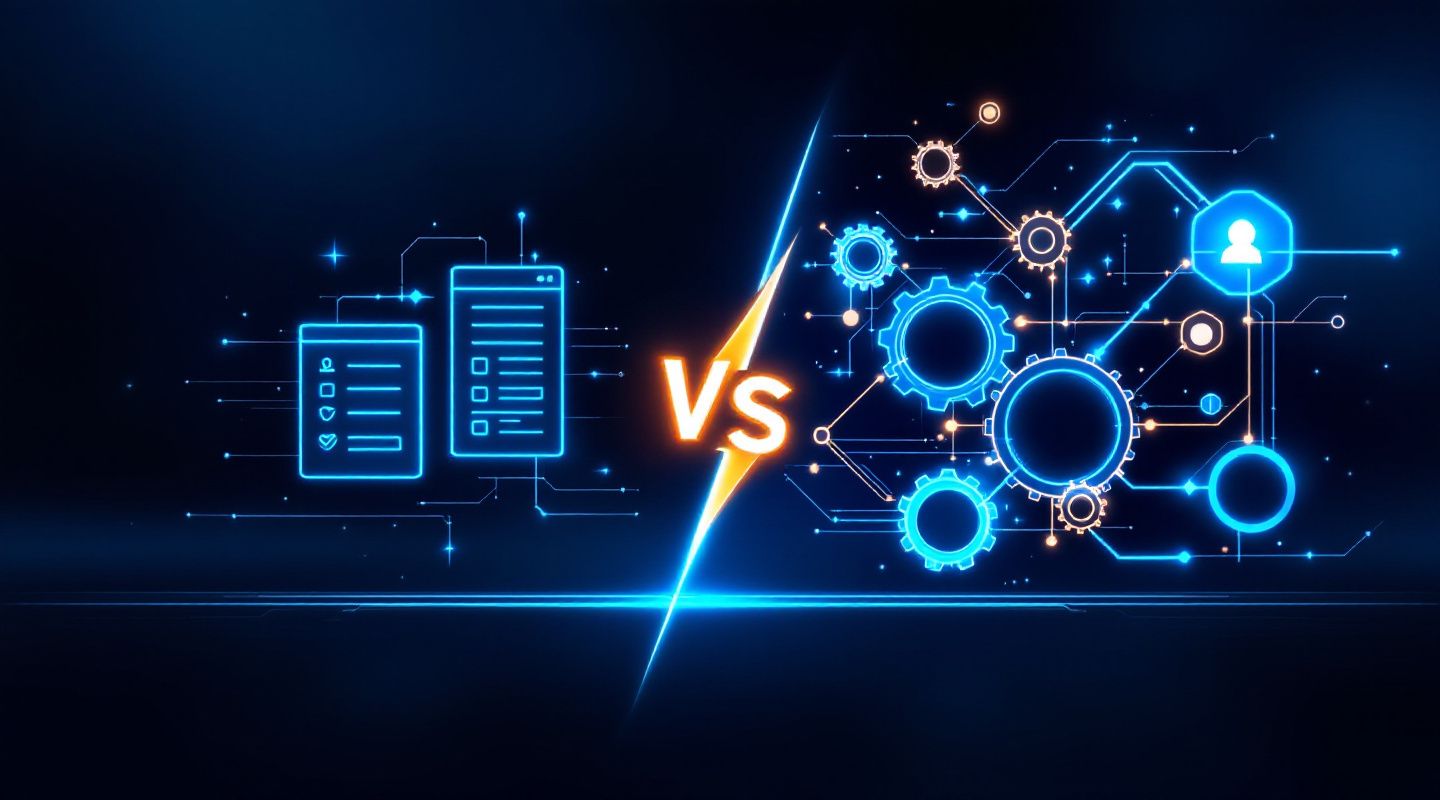
CRM Automation vs. CRM Software: What's the Difference?
If you've spent any time shopping for sales tools, you've probably heard "CRM automation" and "CRM software" used almost interchangeably. They're not the same thing — and confusing them is how teams end up paying for a powerful platform while still doing everything by hand.
Here's the distinction that actually matters: CRM software is the system of record. CRM automation is what makes that system work for you instead of the other way around.
CRM Software: The Foundation
CRM (Customer Relationship Management) software is, at its core, a database with a UI. It's where you store:
Contact records — names, emails, company info, job titles
Pipeline stages — Lead, Qualified, Opportunity, Customer
Interaction history — calls, emails, notes, meetings
Deal data — value, close date, probability
Without any automation layered on top, a CRM is essentially a very organized spreadsheet. It's useful — you always know where a deal stands and who talked to whom — but every action inside it requires a human to trigger it. Someone has to manually move a deal to the next stage, manually send the follow-up email, manually remember that a lead has gone quiet for two weeks.
That manual overhead is exactly where most sales teams lose time — and where deals quietly die from neglect, not rejection.
CRM Automation: The Layer That Does the Work
CRM automation refers to the rules, triggers, and workflows that act on the data inside your CRM without a person having to initiate every step. Automation doesn't replace the CRM — it runs on top of it.
Concretely, automation is what:
Moves a contact to "Nurturing" automatically when they haven't been contacted in 30 days
Fires a three-email follow-up sequence the moment a prospect goes cold after a demo
Assigns a new lead to the right rep based on territory, industry, or deal size — instantly, with no dispatcher
Logs a note on the deal record the moment a linked support ticket or delivery milestone changes status
Flags a stale deal that's sat in Proposal for 45 days with no activity
Enriches a new contact with verified title, company size, and LinkedIn data the second they're created
The key mental model: CRM software answers "where does this information live?" CRM automation answers "what happens next, without anyone having to remember to do it?"
Why the Distinction Matters for Buyers
This isn't just semantics — it changes how you should evaluate tools and where you should spend your budget.
A CRM without automation creates "data entry debt"
Reps spend more time updating records than selling. Every stage change, every follow-up, every note is manual labor. The CRM becomes a chore instead of an asset, and adoption suffers — reps stop logging things because it's friction, and your pipeline data goes stale.
Automation without a clean CRM has nothing to act on
Automation rules are only as good as the data feeding them. If your CRM has duplicate contacts, missing fields, or inconsistent stage definitions, automation will confidently do the wrong thing at scale — sending the wrong sequence to the wrong segment, or flagging false urgency.
The real ROI comes from the combination
A CRM gives you visibility. Automation gives you leverage. Together, they mean:
A lead that fills out a form gets enriched, scored, and routed within seconds — not by end of day
A deal that goes quiet triggers a re-engagement sequence automatically — not when a manager notices it in a pipeline review
A customer's renewal date approaching triggers an internal alert 60 days out — not two weeks after it lapses
What to Look for in Each
When evaluating CRM software, prioritize:
Clean, flexible data model (custom fields, relationship mapping between contacts/deals/companies)
Fast, reliable search and segmentation
Integrations with the tools your team already uses (email, calendar, support, marketing)
An interface reps will actually use daily — adoption is the real make-or-break factor
When evaluating CRM automation, prioritize:
Trigger flexibility (time-based, event-based, field-change-based)
Multi-step sequences with branching logic (if no response, do X; if opened but didn't reply, do Y)
Visibility into what automation did and why — a black box that silently reassigns leads or sends emails erodes trust fast
The ability to turn automations off or override them per-contact when a human needs to step in
A Practical Example
Say a prospect fills out a demo request form on your site.
With CRM software alone: The submission lands as a new contact. A rep sees it (eventually), manually creates a task to follow up, manually drafts an email, and manually checks back in a few days if there's no response.
With CRM automation layered on: The submission automatically creates a contact, enriches it with company and title data, scores it against your ICP, routes it to the right rep based on territory, sends a personalized initial email within minutes, and — if there's no response in 3 days — automatically queues a follow-up. The rep's first touch is a warm, informed conversation, not a cold data-entry task.
Same CRM. Completely different outcome, because of what runs on top of it.
The Bottom Line
CRM software gives you a single source of truth for every contact, deal, and conversation. CRM automation makes sure that truth gets acted on — consistently, immediately, and without depending on someone remembering to do it. Neither one replaces the other; the best sales organizations invest in both, in that order: get the data model right first, then automate the actions that data should trigger.
Want to see what CRM automation looks like when it's built directly into your CRM, not bolted on as a separate tool? Book a call with our team.